Your time, logged.
Start a timer or add time afterwards, see your week on a calendar, and get reports your clients understand. Free for your whole team, with no seat limits.
Sign up with Google or email. No credit card, ever.
Everything a team needs to track time. Nothing it doesn't.
The parts of time tracking teams use every day, kept simple and fast.
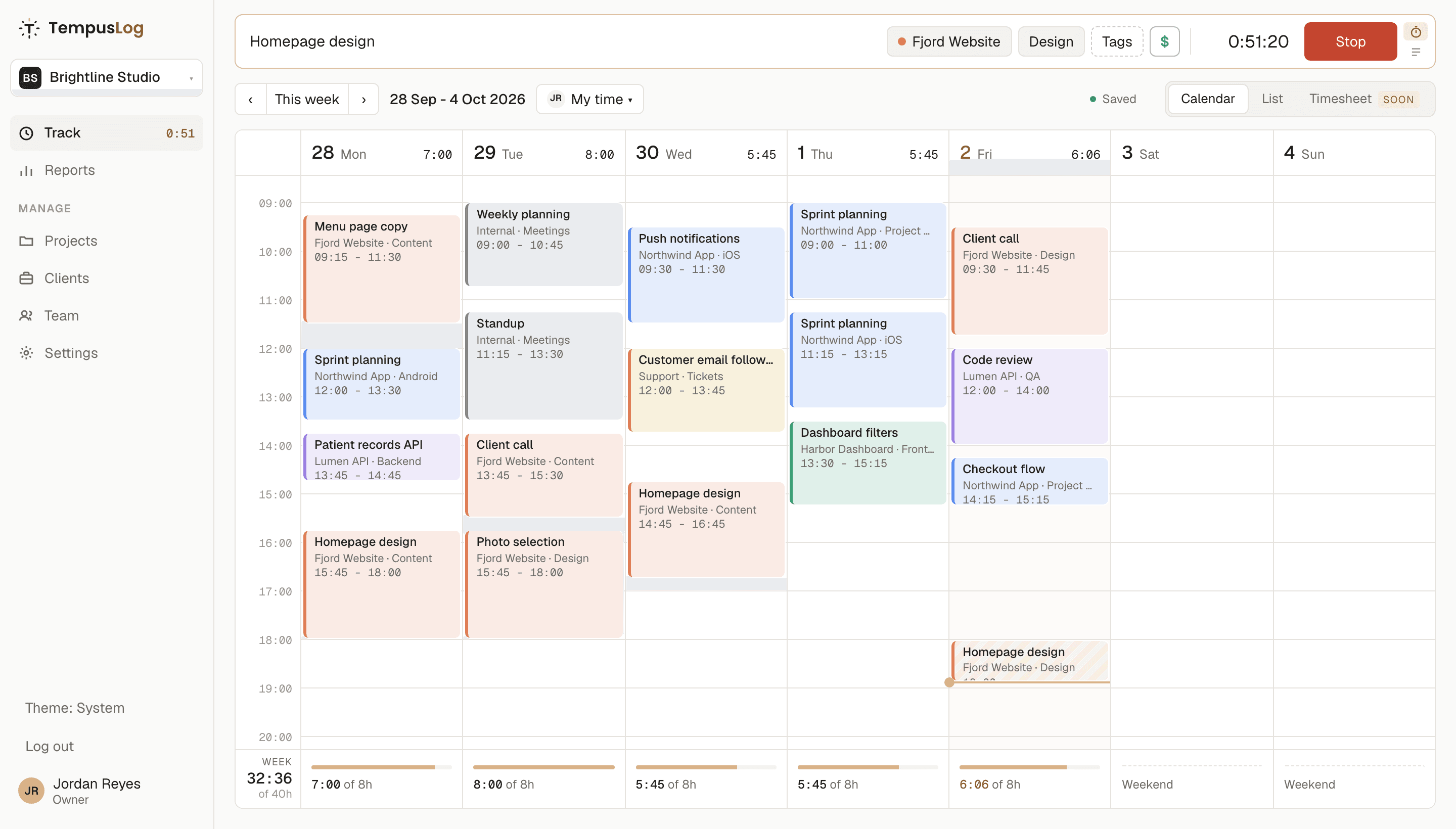
Timer or manual
Press Start, or type 1h30, 90m or 1:30 and it is logged. Edit any entry in place and it saves as you go.
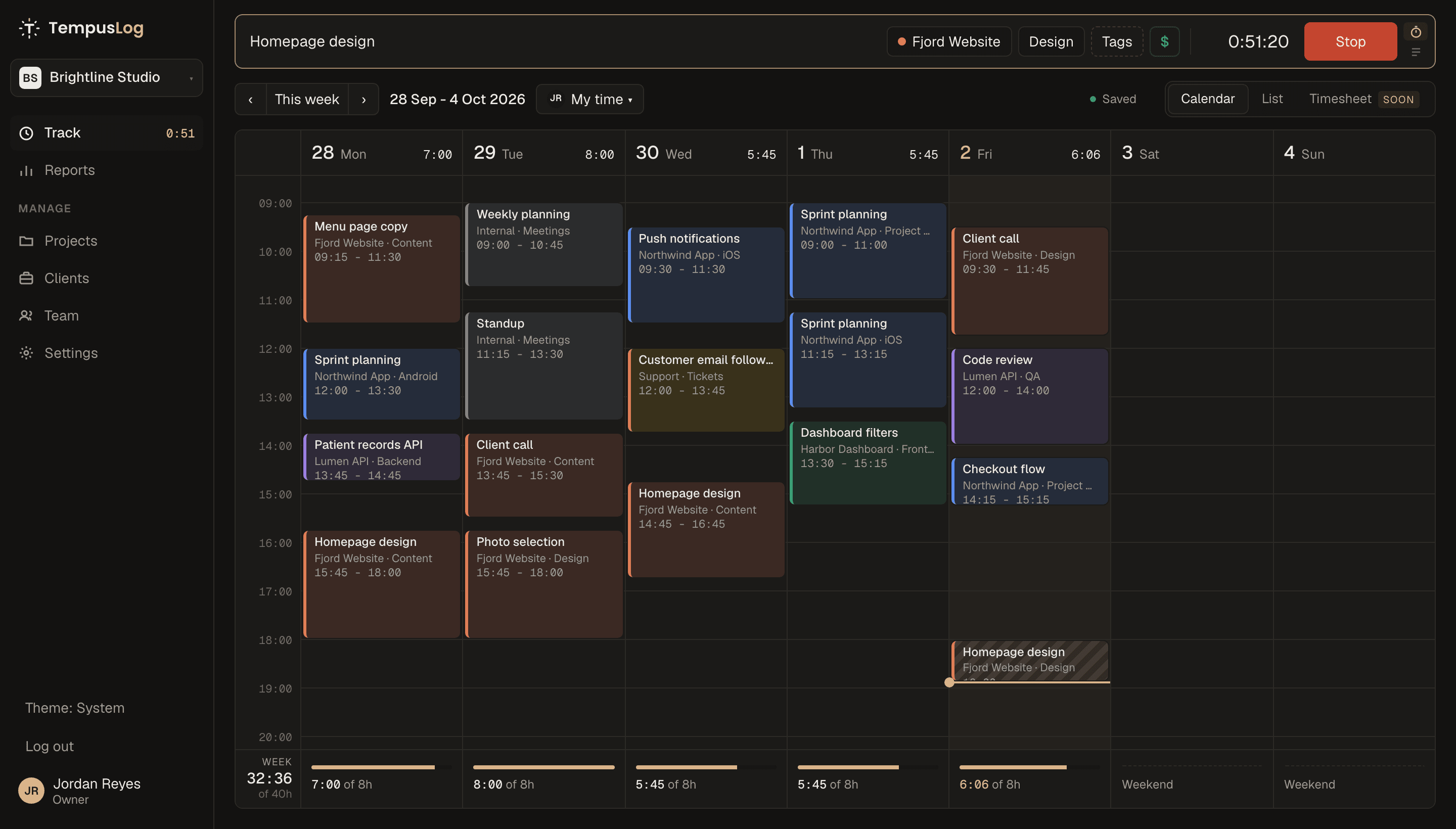
Your week at a glance
Drag on the calendar to add or move time, switch to a list, and see each day against your workday.
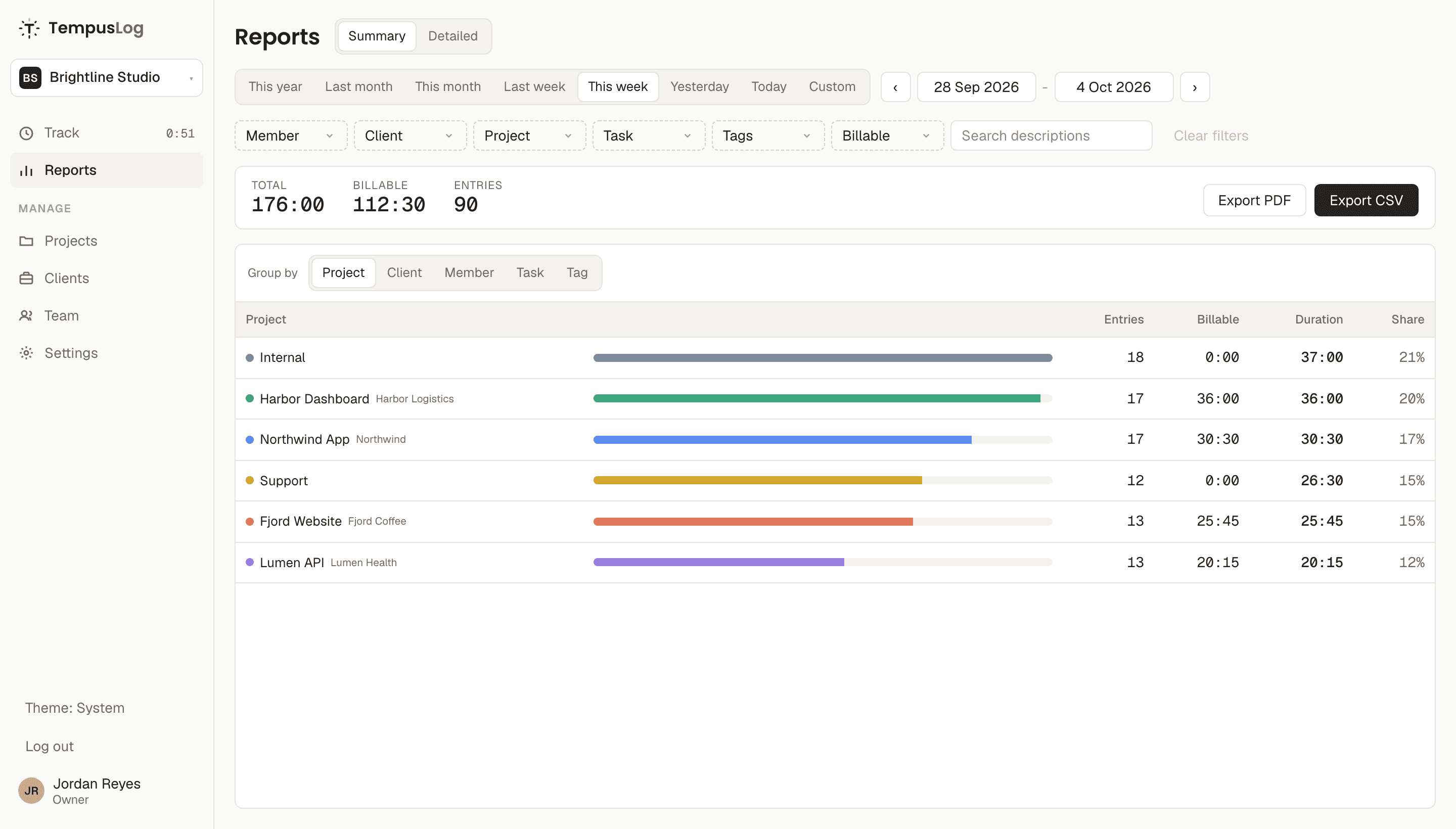
Reports that answer questions
Filter by person, client, project, task or tag. Summary or detailed, exported to CSV or PDF.
Teams and access
Owners, admins, project admins and members. Decide who sees which project and who logs time to it.
Bring your history
Projects, clients, tasks, tags, people and every entry from Clockify, Toggl or Harvest, imported in the background while you work.
Works where you are
Phone, tablet or desktop, light or dark. Nothing to install, and your timer follows you.
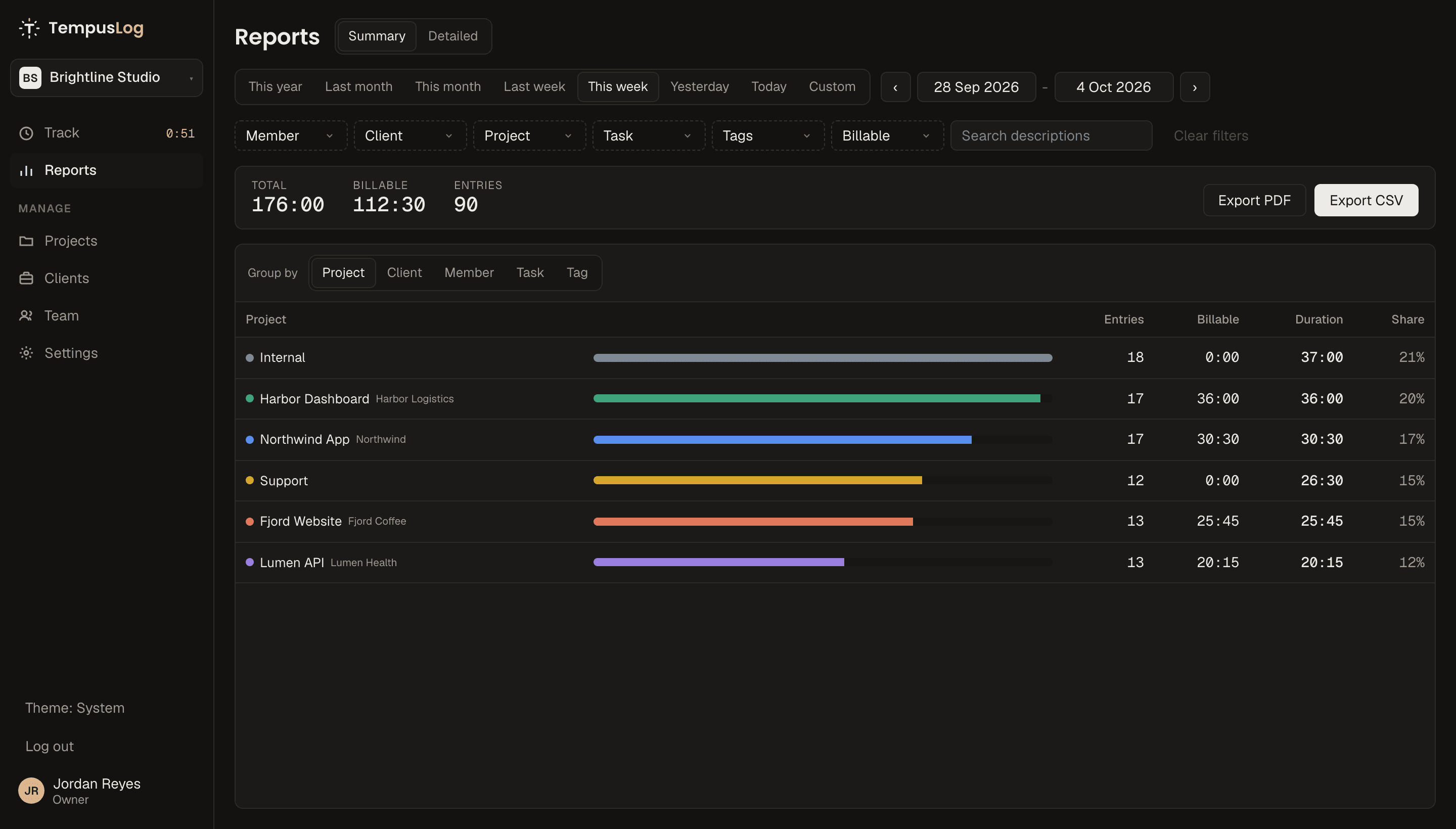
See where the week went
Group by project, client, person, task or tag. Billable time is split out, and every report exports to CSV or PDF for invoices and payroll.
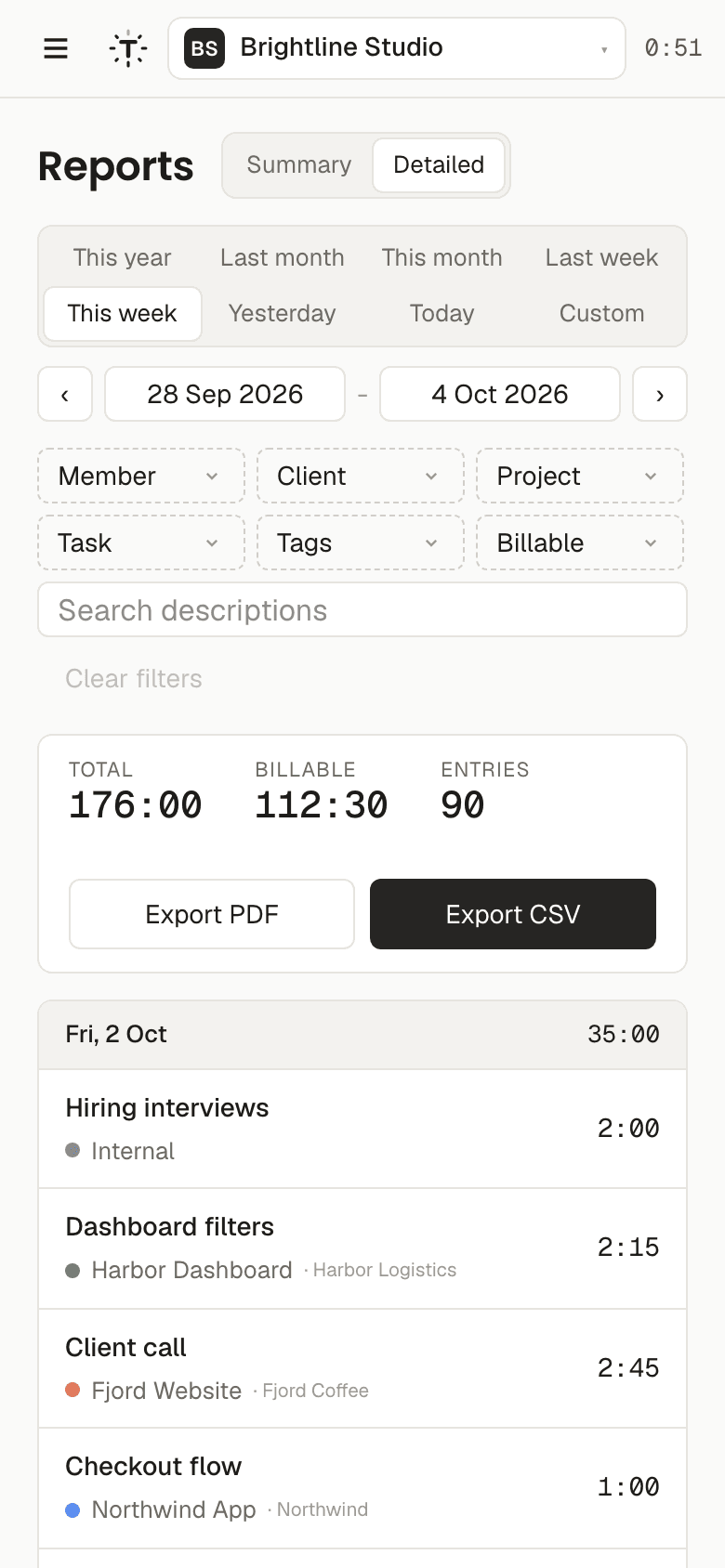
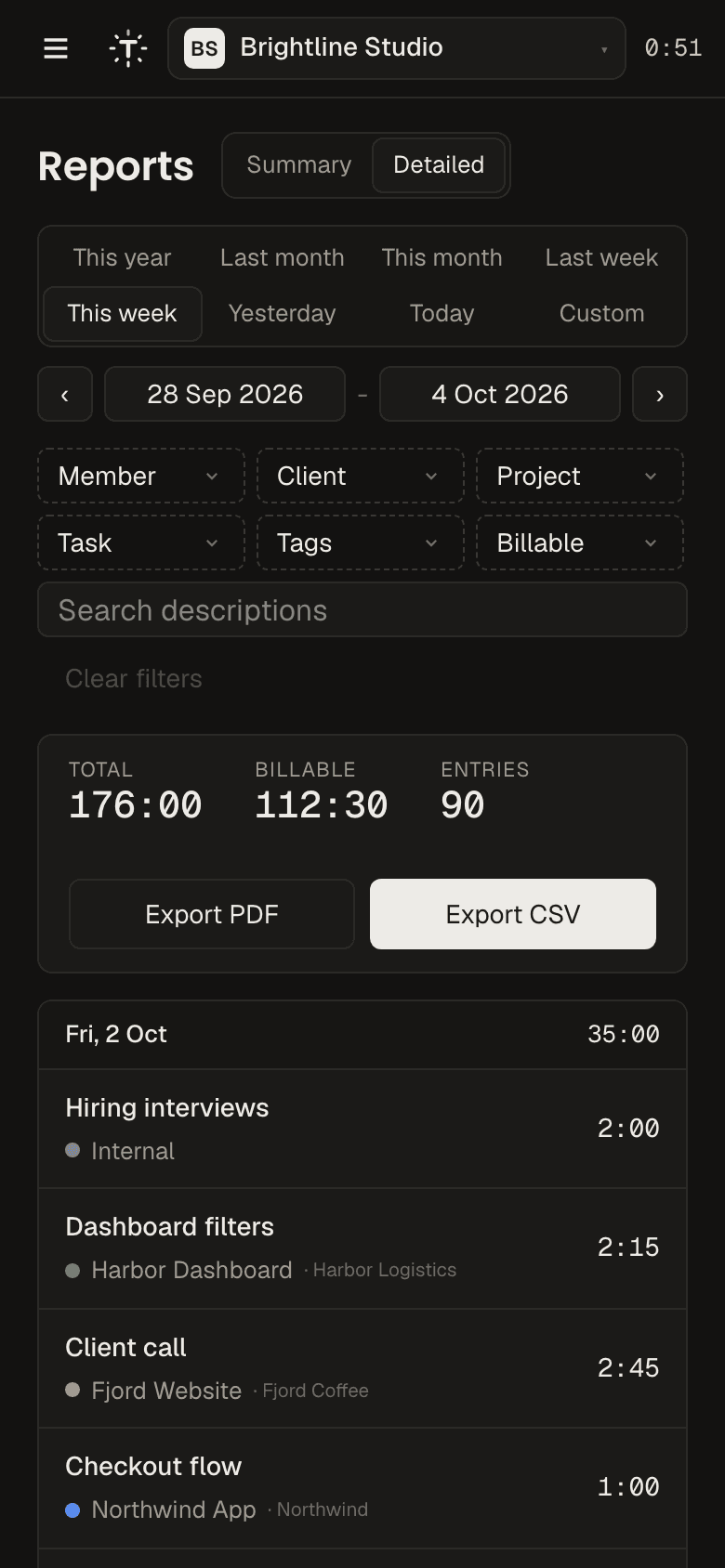
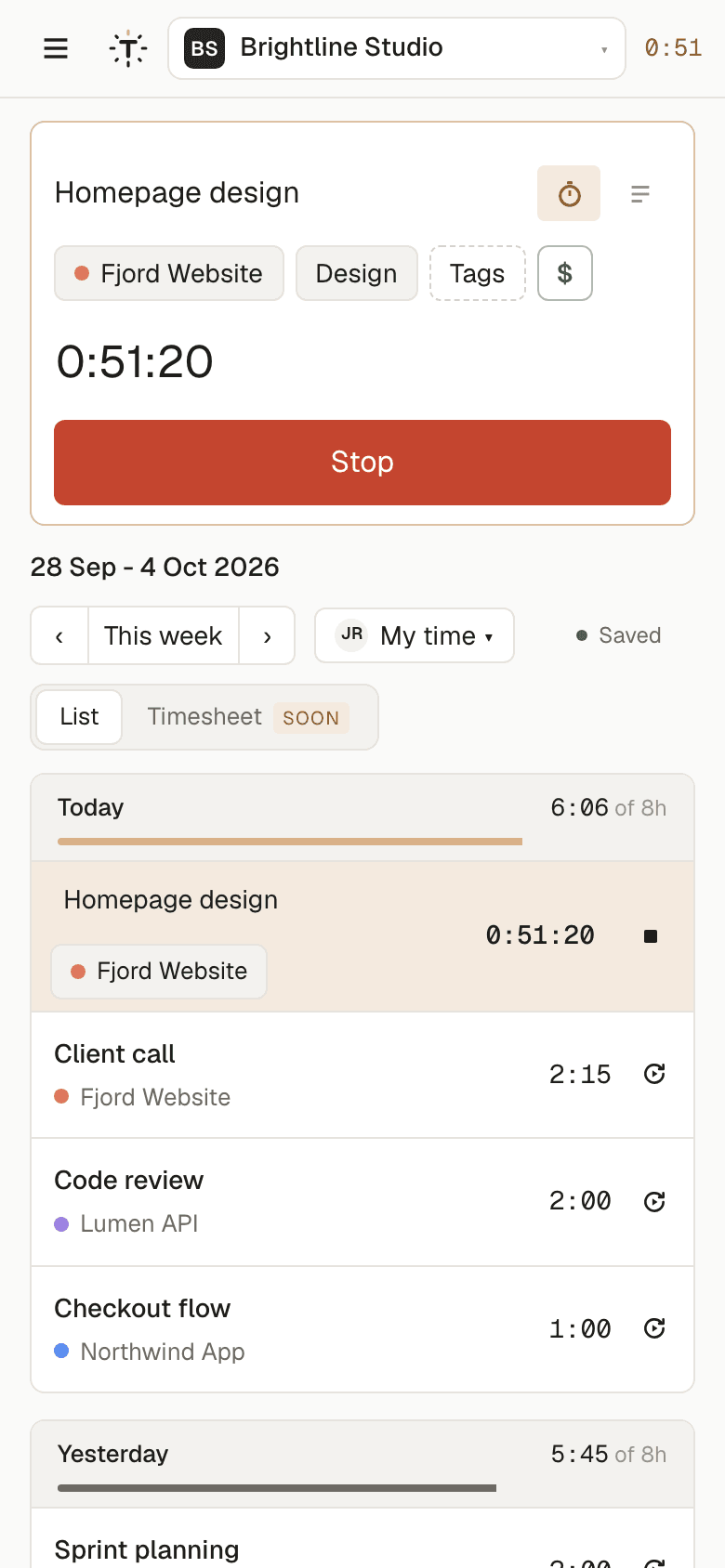
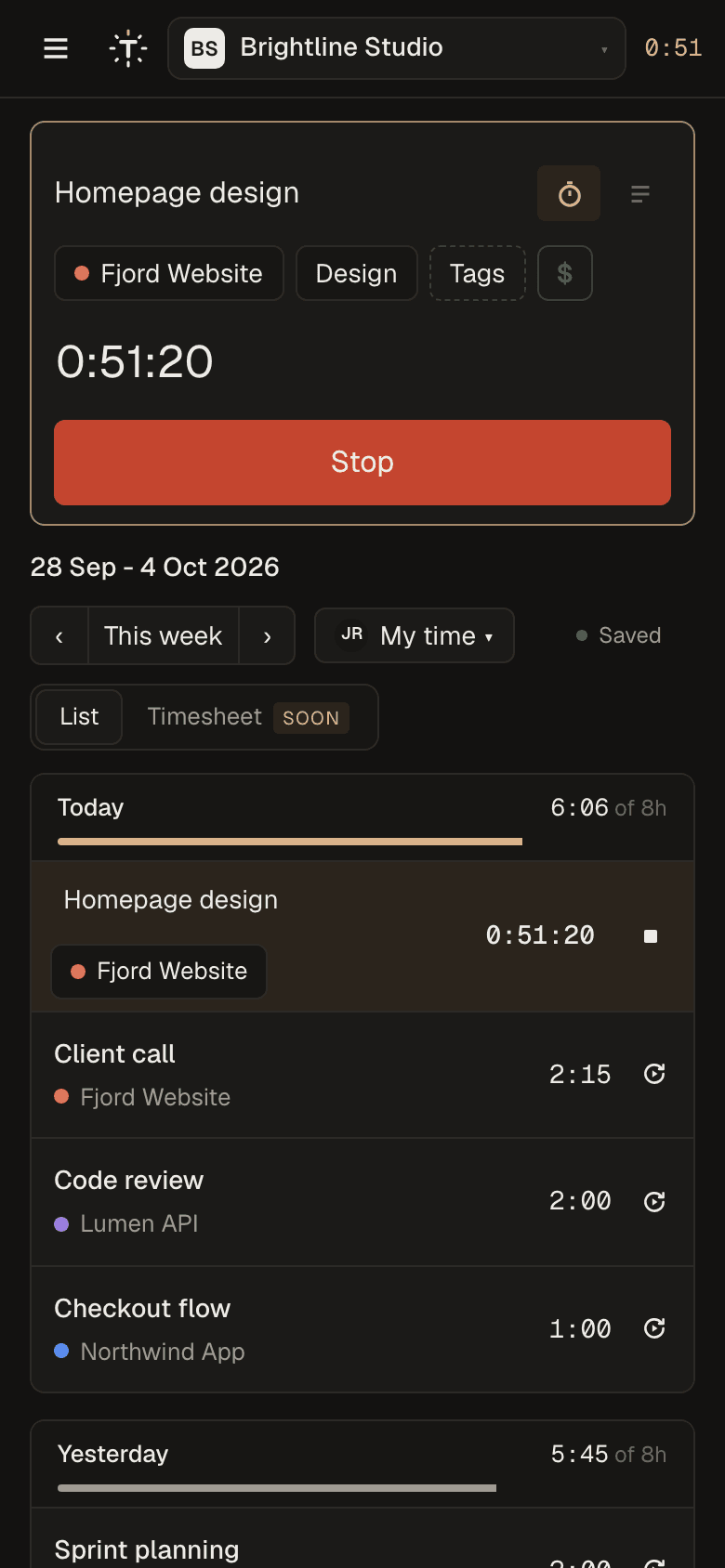
Start on your laptop, stop on your phone
The timer lives in your account, not your browser tab. Open TempusLog on any device and pick up where you left off. Reports and exports work on your phone too. Add it to your home screen and it opens like an app.
Switch from Clockify, Toggl or Harvest
Projects, clients, tasks, tags, people and every time entry come with you. People who already left show up as inactive, so old reports still add up.
Start your import- 1Paste your API keyFrom Clockify, Toggl Track or Harvest. We only read from it, and the key is encrypted and deleted as soon as the import ends.
- 2Check the previewSee what comes over before anything is copied: projects, clients, people and how many entries.
- 3Keep workingThe import runs in the background and emails you when it is done. Run it again any time, nothing gets duplicated.
Free for the whole team.
No seat limits and no trial that runs out. A paid plan for companies that need more comes later. Everything in Free stays free.
- Unlimited people
- Unlimited projects and clients
- Timer, calendar and list
- Reports with CSV and PDF export
- Billable rates and amounts
- Import from Clockify, Toggl and Harvest
- Roles and project access
- AI apps (MCP) and a public API
- Cost rates and profit what each person costs next to what clients pay, with profit by client, project and person.
- Project budgets in hours or money, with alerts before you go over.
- Timesheet approvals submit, approve and lock weeks so reports stay final.
- Time off and holidays requests, approvals and balances next to tracked time.
- Invoices from tracked time, in a couple of clicks.
- SSO and audit log sign in with Google Workspace or Microsoft, and a history of every change.
Priced per person, announced before the plan starts. Teams on Free keep everything they have.
Questions
Is it really free?
Yes. Everything in Free costs nothing, for any team size. Later we will add an optional paid plan for companies that need more, like cost rates and profit reports, approvals and SSO. Nothing that is free today will move to the paid plan.
Why is it free?
TempusLog is made by mile.dev, a software studio. We built it for our own team first, and it shows the kind of work we do.
Where is my data?
On servers in Frankfurt, Germany, with daily backups. We do not sell data, show ads or use your data to train AI.
Can I import from Clockify, Toggl or Harvest?
Yes. Paste an API key or token from Clockify, Toggl Track or Harvest (or upload a Clockify CSV export). Your projects, clients, tasks, tags, people and time entries come over in the background.
Can I get my data out?
Any report exports to CSV or PDF, and you can delete your account yourself in Settings.
Is there a mobile app?
TempusLog works in your phone browser, and you can add it to your home screen like an app.
Start logging your time today.
Set up in a minute. Invite your team when you’re ready.